Partnership


Canvass the neighborhood.Document the job.
LeadScout and CompanyCam are built for field teams that sell at the door and deliver on the roof. Track every knock in LeadScout. Capture every photo in CompanyCam. Keep both on the same prospect so nothing falls through the cracks.
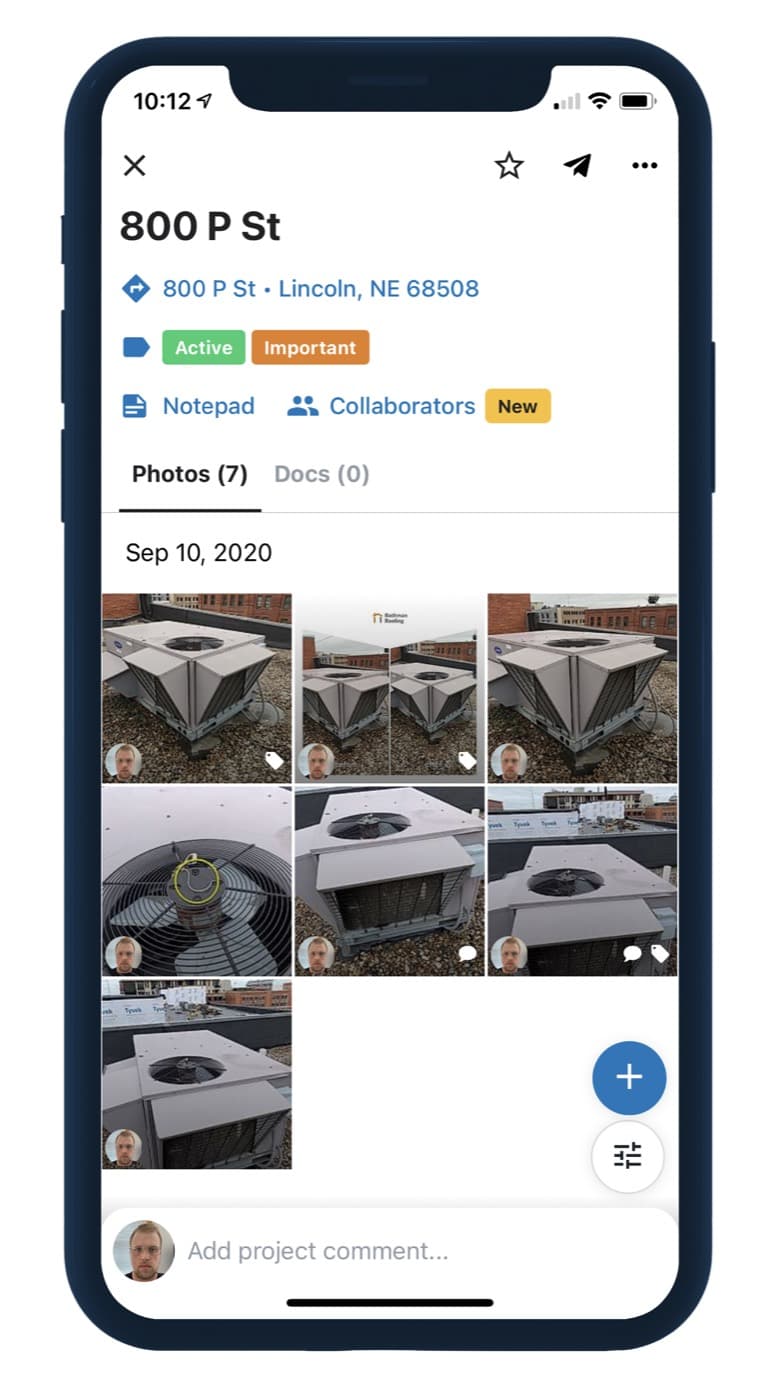
Better together for home services crews
CompanyCam is the photo-based solution created for contractors, by contractors. LeadScout is the canvassing system that turns neighborhood door knocks into tracked pipeline. Connect them and your field sales motion finally matches how production already works.
Canvass with context
LeadScout tracks every door, territory, and follow-up so reps know where to knock next.
Document with CompanyCam
Unlimited job-site photos, organized by project, ready for the office, the adjuster, or the homeowner.
Close as one team
Photos and prospect history stay attached to the lead, so sales, ops, and production stay aligned.
Why CompanyCam
Photos your whole company can trust
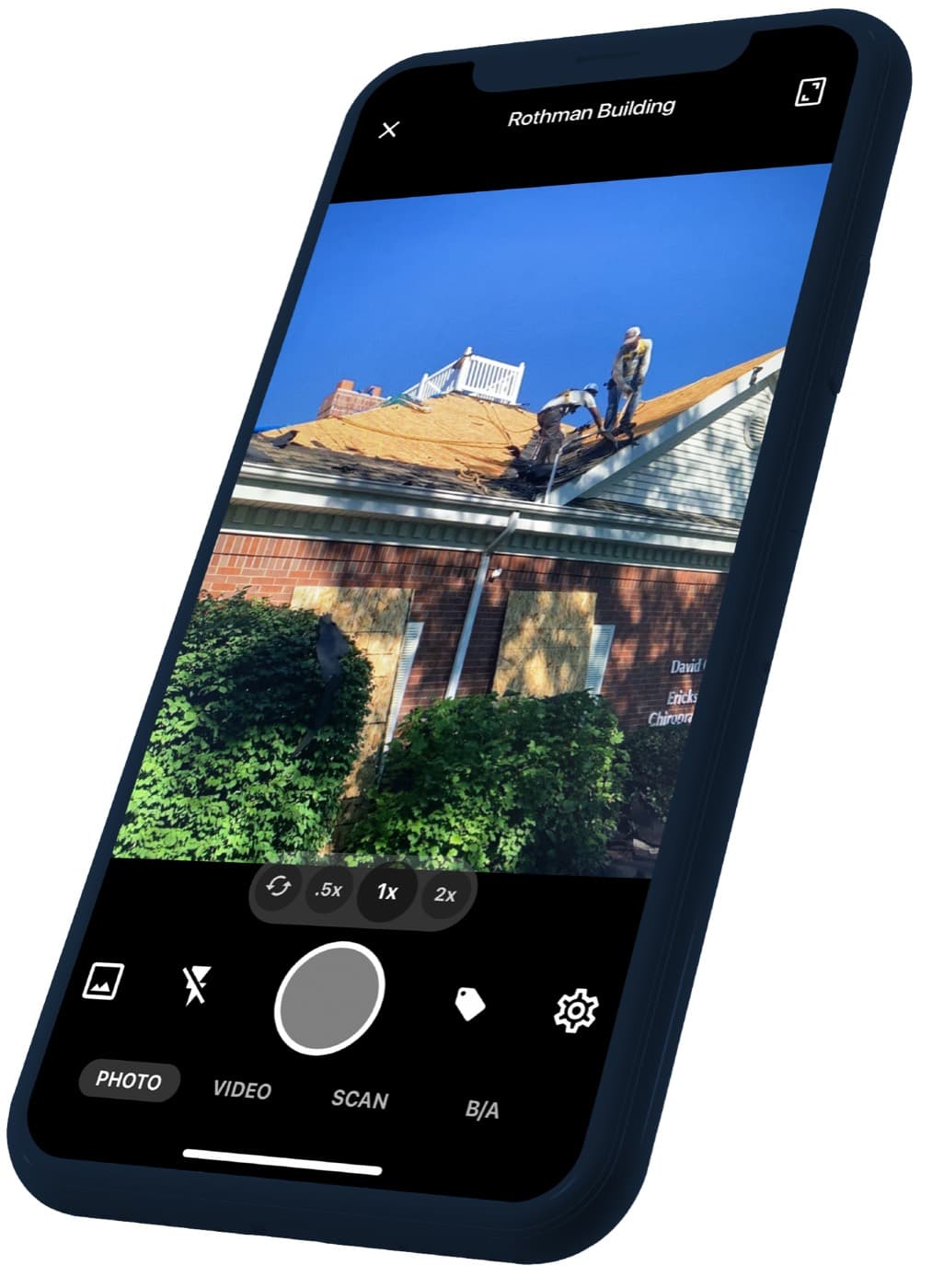
- Snap a photo. It's timestamped, geotagged, and filed to the right project.
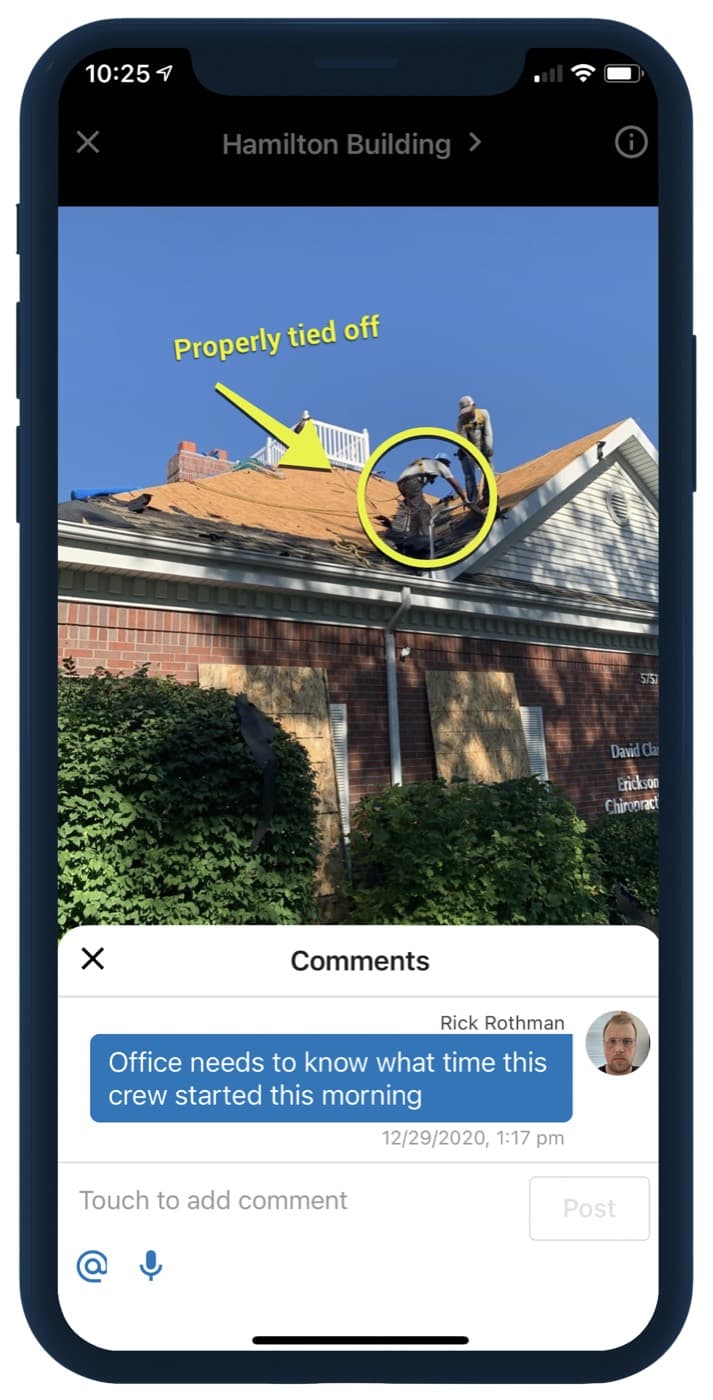
- Mark it up with arrows, tags, and voice notes before you leave the driveway.
- Share a branded gallery with the homeowner or adjuster in a couple of taps.
- Connect 75+ integrations so photos land in the CRM your office already runs.
Why LeadScout
The system for tracking canvassing
Knocking doors converts. Tracking is usually the gap. LeadScout gives reps a map, property context, statuses, and a team dashboard so managers see coverage and closers know which follow-ups still need a knock.
- Pin prospects with built-in property data on Pro
- Territory progress and live team performance
- CompanyCam photos attached to the same prospect record
- Deal flow into JobNimbus, ServiceTitan, HubSpot, and more
How the integration works
Three steps. No duplicate photo libraries. No guessing which address matches which gallery.
- 1
Connect CompanyCam once
Link your CompanyCam account from LeadScout settings. Your crew keeps shooting in the app they already trust.
- 2
Pin the door in LeadScout
Drop a prospect on the map with property data, status, notes, and territory context. That pin is the source of truth for the sale.
- 3
Photos land on the prospect
Create or link a CompanyCam project from the door. Job-site photos show up on the LeadScout prospect so closers and managers see the same story.
Frequently asked questions
Does LeadScout integrate with CompanyCam?
Yes. Connect CompanyCam from LeadScout, then create or link a CompanyCam project from a prospect. Photos sync onto that prospect so managers and closers see job-site documentation next to statuses and notes.
Do we still take photos in the CompanyCam app?
Yes. Your crew keeps using CompanyCam for capture, annotations, galleries, and sharing. LeadScout attaches that project to the canvassing prospect so sales tracking and photo documentation stay linked.
Who is CompanyCam × LeadScout for?
Home services and door-to-door teams that sell at the door and deliver on site. Roofing, solar, restoration, and similar crews that already live in CompanyCam for photos and need LeadScout for canvassing territory and follow-up.
Is CompanyCam required to use LeadScout?
No. LeadScout works on its own for mapping, property data, territories, and CRM sync. CompanyCam is the recommended photo partner when your production team already documents jobs that way.

Ready to pair LeadScout with CompanyCam?
Start free on LeadScout, connect CompanyCam when you are ready, and give your canvassing crew one place for doors and photos.
Start for free